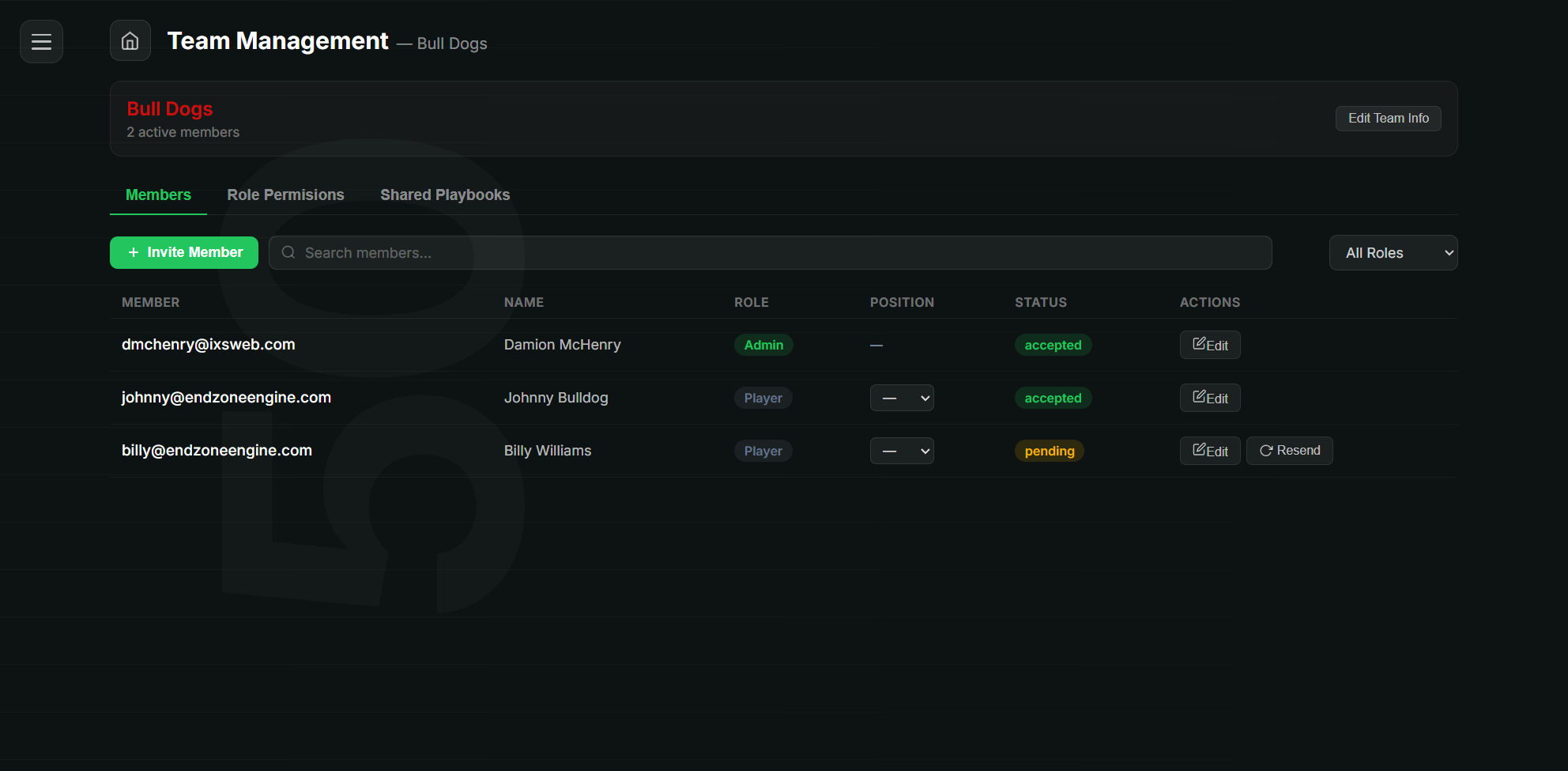
Build your roster, bring your coaches and players into one workspace, and control exactly who can see and do what. Assign players to positions, add personal coaching notes, and share the right plays with the right people — all under one plan.
Create your team with a name, logo, and primary color, then invite every coach and player by email. As they accept, your roster fills in — one shared home for your whole program instead of a group chat and a stack of paper.
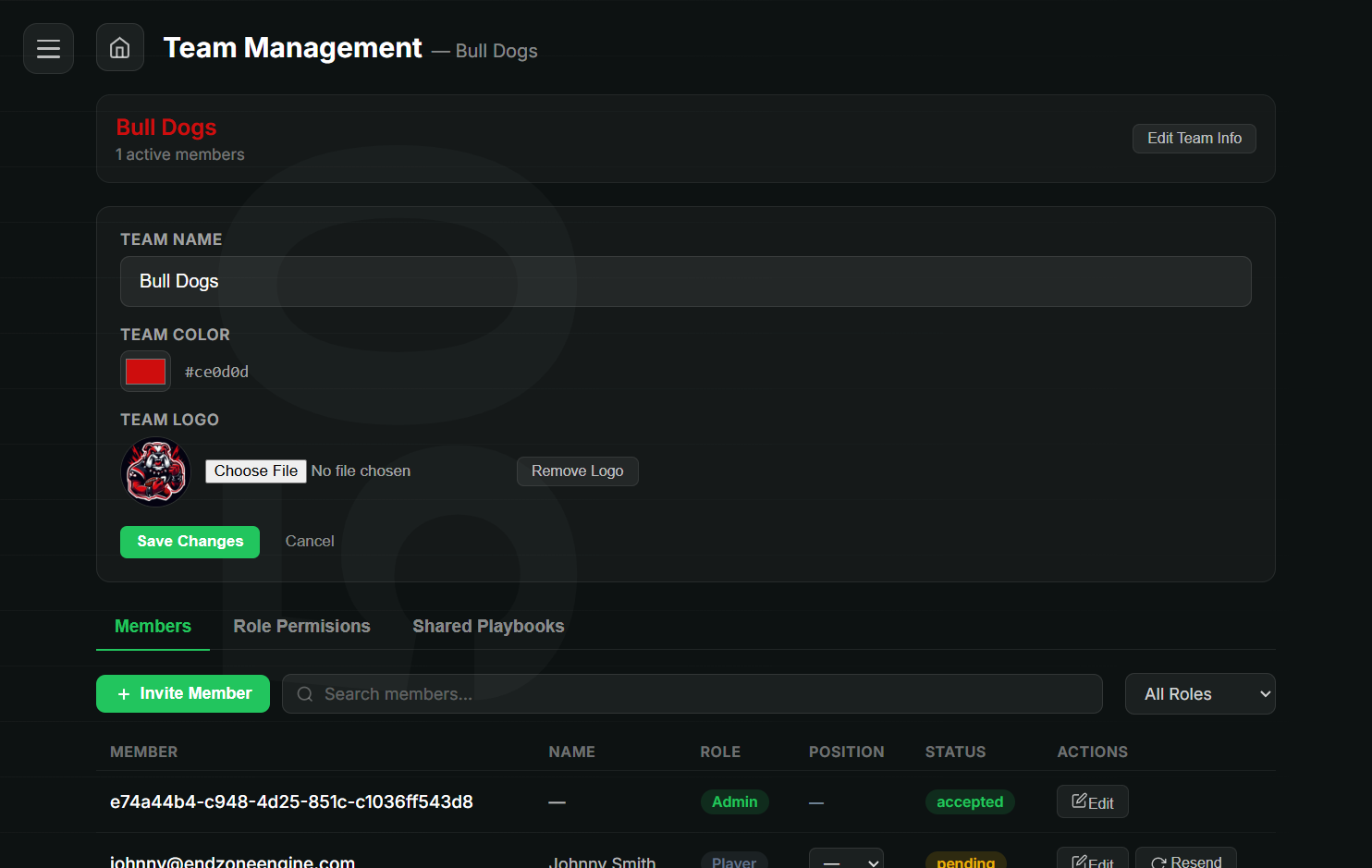
Four roles — Admin, Head Coach, Assistant Coach, and Player — come with sensible defaults, then dial in fine-grained control from there. Set create, read, edit, and delete for playbooks, plays, formations, and categories, and toggle features like simulation, export, and share. Assistants and players stay safely limited to view, simulate, and export.
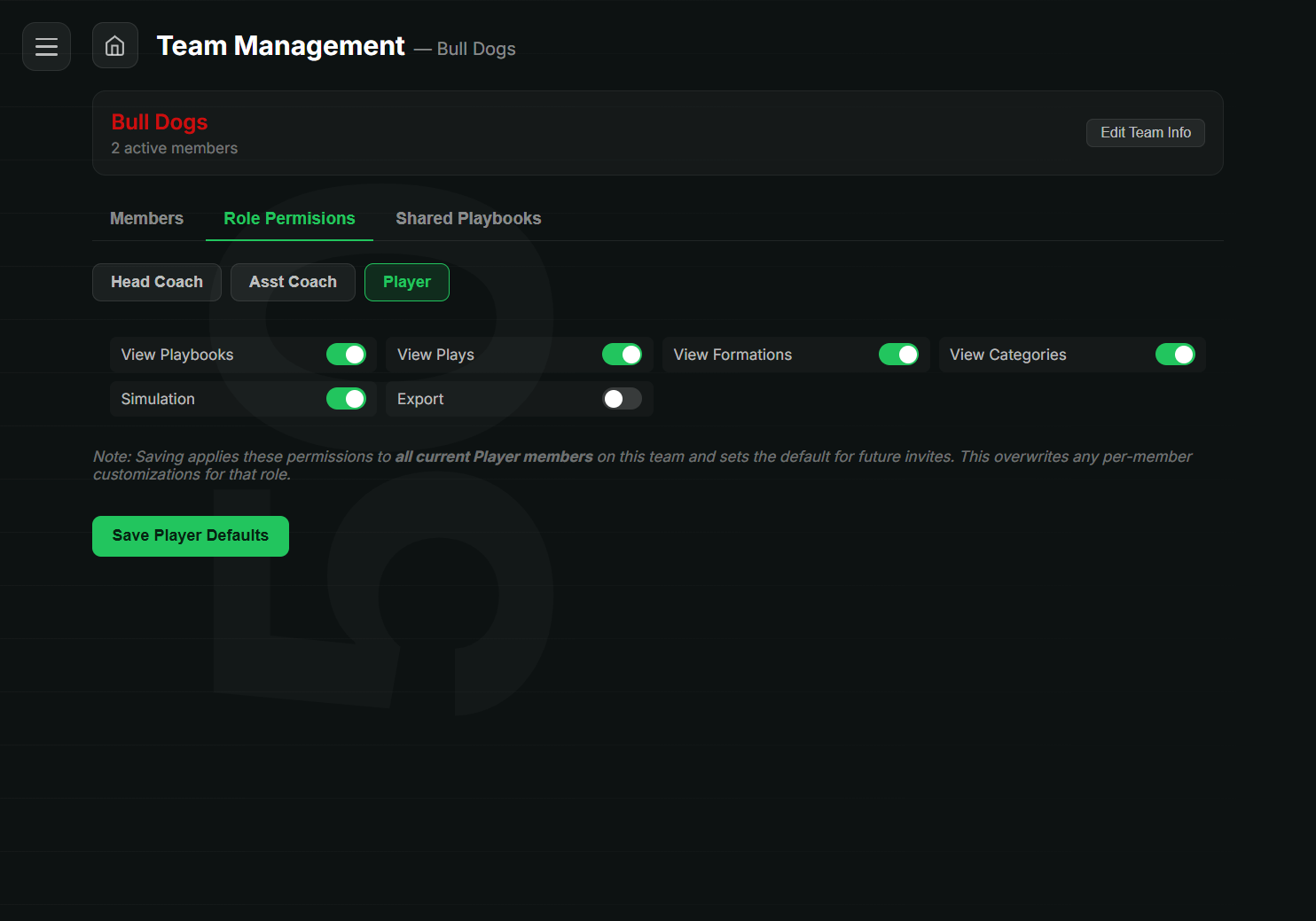
Map the players on your roster to each position in a play, then add per-player coaching notes that show up right under their spot when they open it. Auto-assign by matching positions to fill a play in one tap, and turn on assigned names to see who's where directly on the diagram.
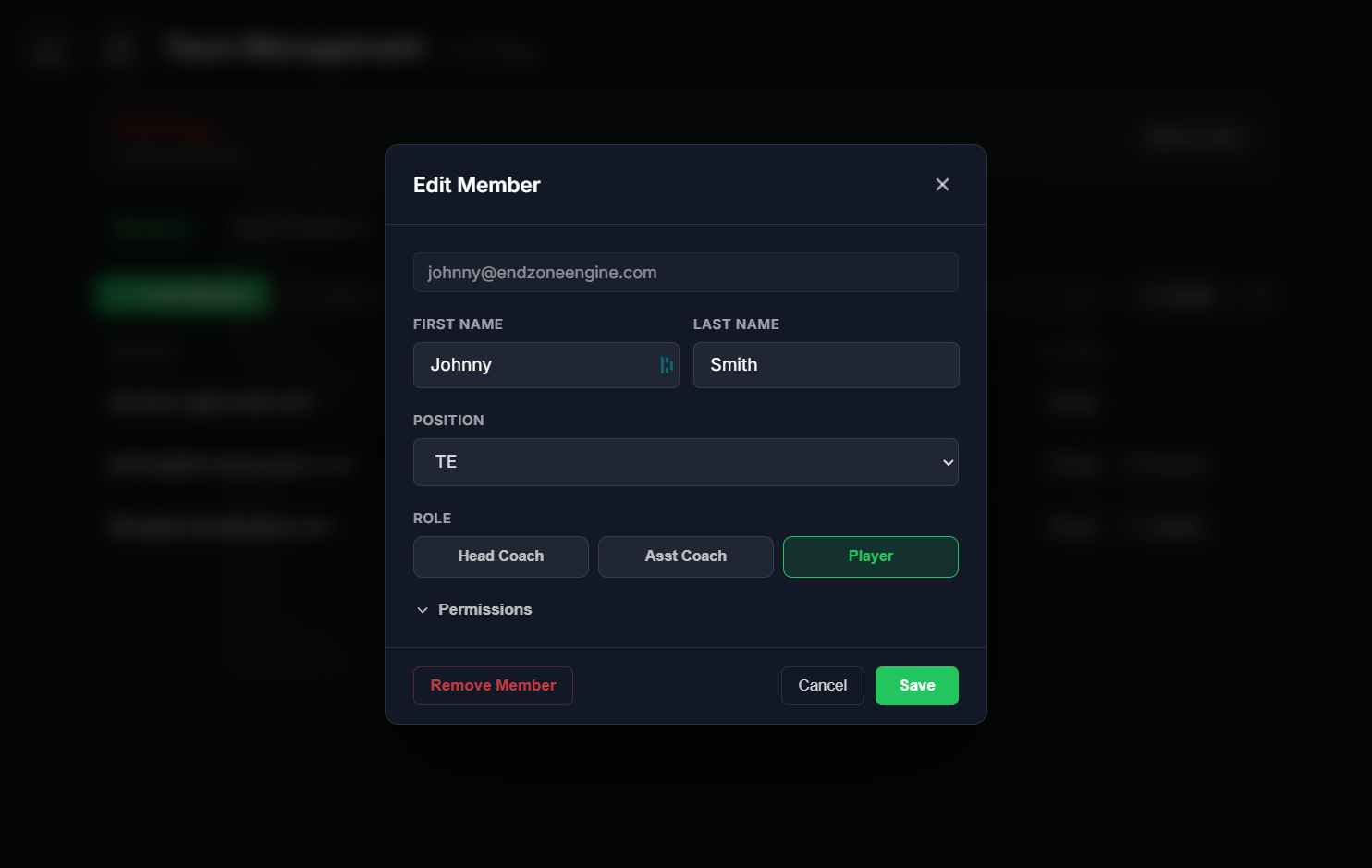
Hand off a whole playbook or hand-pick individual plays for specific members, with full or partial access and optional edit rights you can revoke anytime. Share practice plans with one person, a whole role, or the entire team — and share drills the same way.
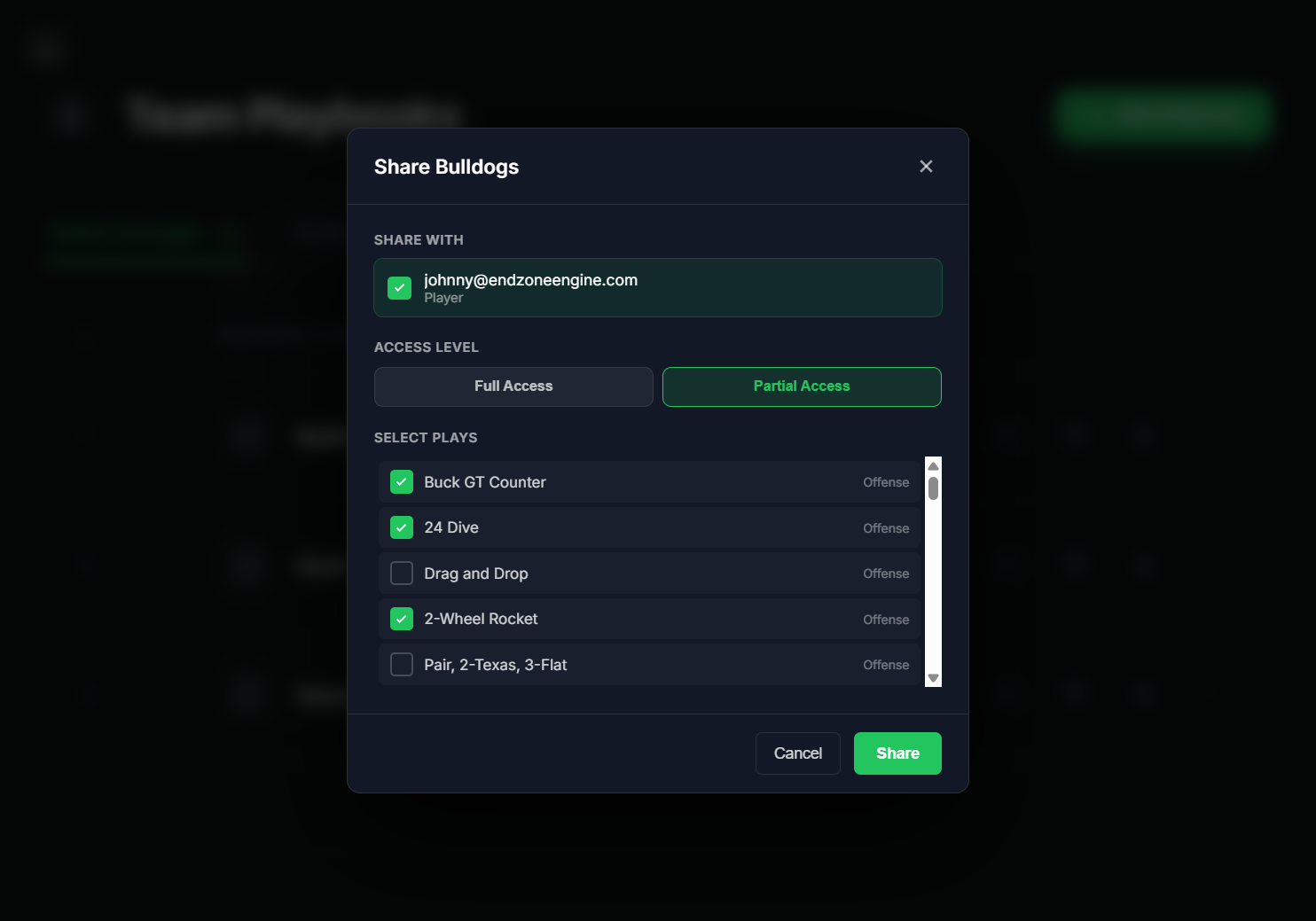
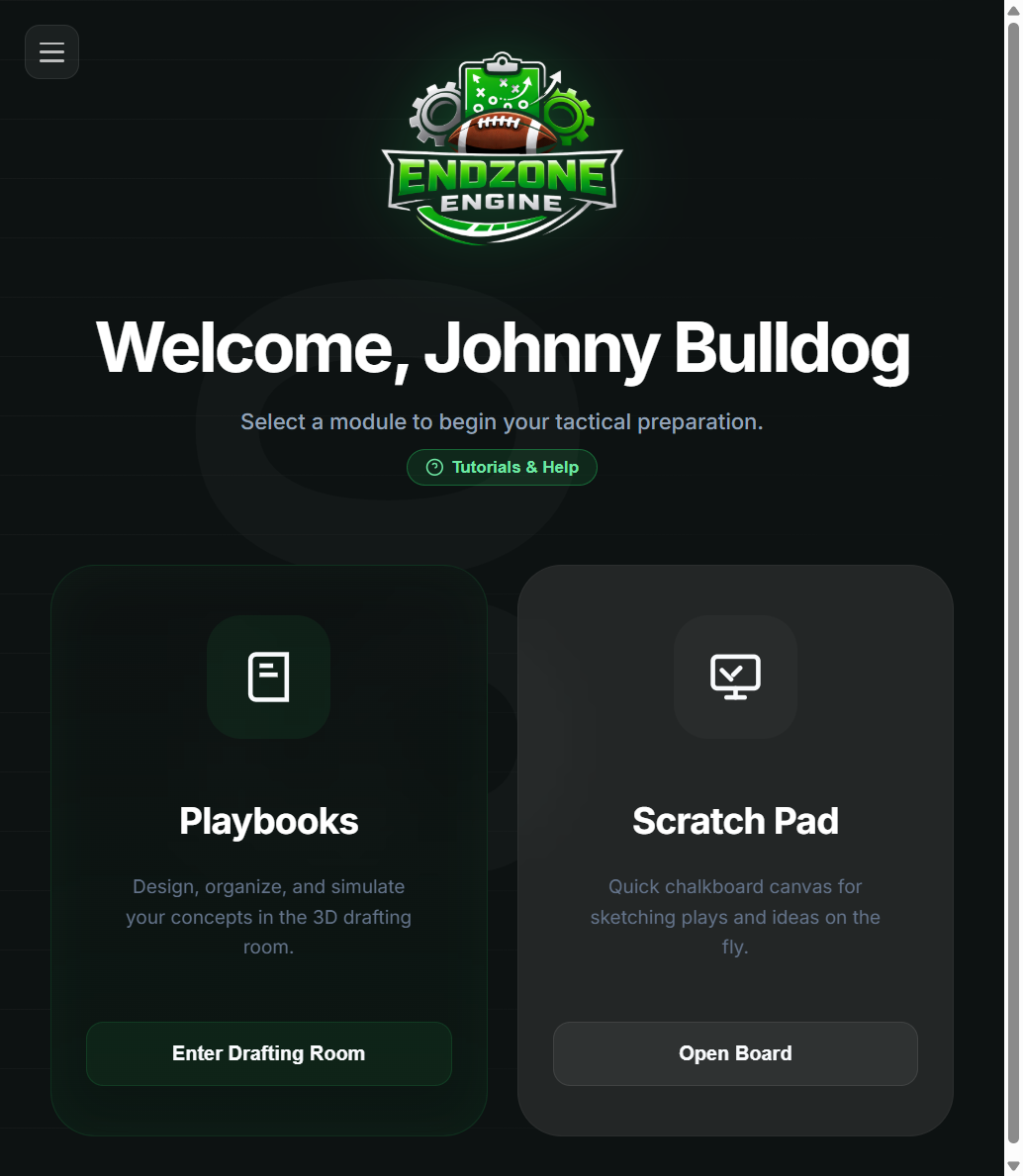
Players and assistant coaches get a streamlined version of the app focused on what they need — open a play, run the simulation, read their assignment and notes — all through their head coach's plan. No separate purchase, no billing screens, no clutter. Just the game plan.
Team rosters, roles, sharing, and player assignments are part of the Elite plan.